Palmstore
Tools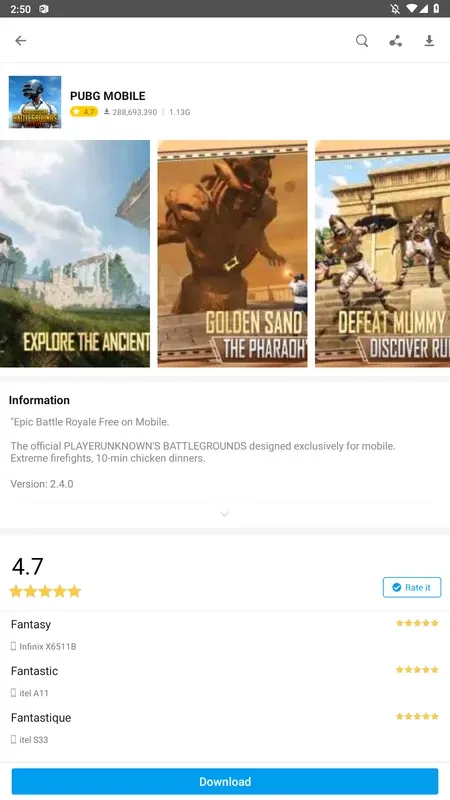
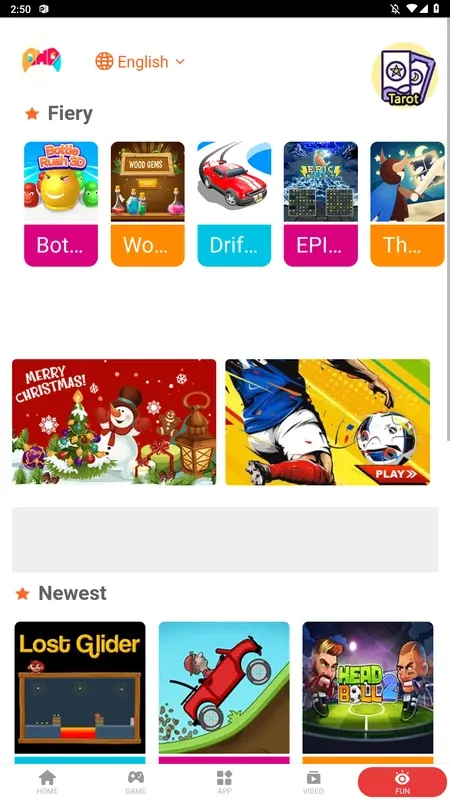

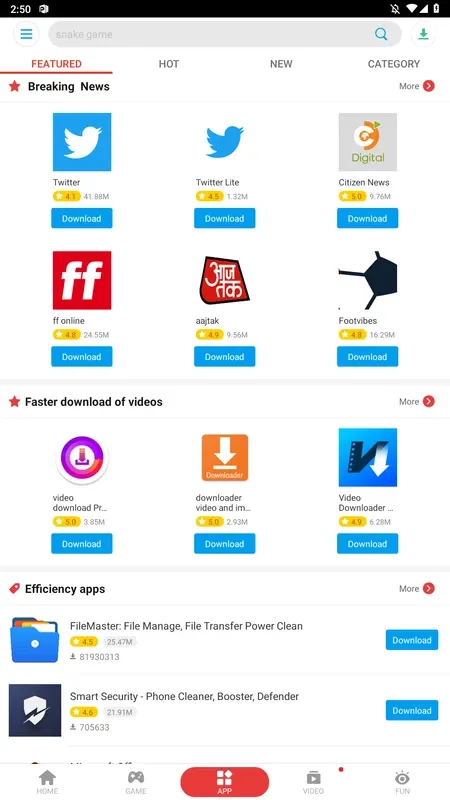
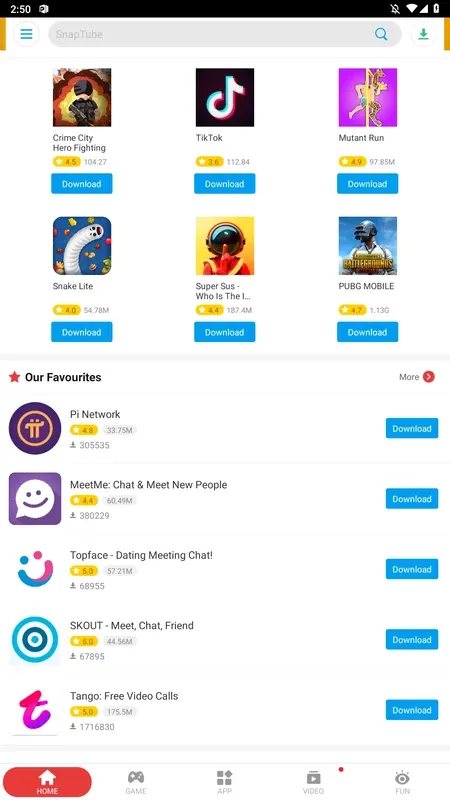
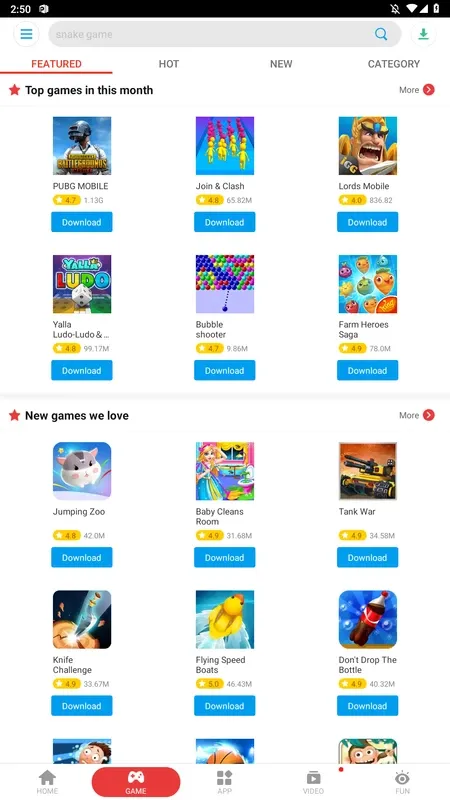

Palmstore is an Android marketplace that curates a wide range of free apps aimed at African users. It offers a simple interface to browse, download, and update apps without needing a Google account.
This page gives you the latest Palmstore APK, details about its size and version, step‑by‑step installation instructions, and practical tips on safety and troubleshooting.
Quick Information
| App/Game Name | Palmstore |
| Latest Version | 6.7.8 |
| Developer | Not listed |
| Category | Apps / Tools |
| App Size | 7.7 MB |
| Package Name | com.hzay.market |
| Last Updated | 22 June 2026 |
What Is Palmstore?
Palmstore serves as an alternative app store focused on delivering locally relevant applications. It aggregates thousands of free apps, many of which target regional needs such as language support, offline utilities, and culturally specific content. The store is designed for Android devices of any brand and does not require a Google Play Services dependency.
Because it is a third‑party marketplace, Palmstore does not carry the same verification guarantees as the official Play Store, so users should review permissions and source credibility before installing new apps.
Compatibility
| Android Version | ✓ Verified — 4.1 and up |
| Architecture (ARM64 / 32-bit) | ✓ Verified — Supports common device architectures |
| Internet Connection | ✓ Verified — May be required for ads, updates, or login |
| Storage Needed | Not Verified |
| OBB/Data Files | Not Verified |
| Root Required | Not Verified |
How to Install
- Download the Palmstore APK file to your Android device.
- Open Settings → Security (or Privacy → Install unknown apps on newer Android versions) and enable installation from the source you used (e.g., your browser or file manager).
- Locate the downloaded
Palmstore.apkin your Downloads folder and tap it. - Follow the on‑screen prompts to complete the installation.
- Once installed, open Palmstore, grant any required permissions, and start browsing the catalog.
Troubleshooting
- App not installed: Ensure unknown sources are enabled and that the APK is fully downloaded (no corruption).
- Crashes on launch: Verify that your device runs Android 5.0 or higher; clear app data or reinstall if the problem persists.
- MOD features not working: This is the official build; no MOD features are included.
- Login or account issues: Palmstore does not require a separate account, but individual apps downloaded from it may have their own authentication requirements.
Safety & Security
Palmstore itself is an unmodified APK, but as with any third‑party store, you should download it from a reputable source. Check the permissions it requests during installation and avoid granting access that seems unrelated to its core function (e.g., reading contacts or SMS). Keep the app updated to receive the latest security patches, and consider scanning the APK with an antivirus app before installing.
How Palmstore Compares
| Feature | Palmstore | Google Play Store | Amazon Appstore |
|---|---|---|---|
| Price / Model | Free, no subscription | Free, with optional paid subscriptions for developers | Free, with occasional paid apps |
| Platform Availability | Android only | Android, Chrome OS, Wear OS | Android, Fire OS |
| Standout Feature | Focus on African‑origin apps and offline‑friendly utilities | Largest global catalog, integrated Google services | Curated selection with Amazon‑exclusive content |
| Best For | Users seeking region‑specific free apps | General Android users needing the widest app selection | Amazon ecosystem users and those who prefer a curated store |
Alternatives
- Google Play Store – The default Android marketplace with the most extensive app library and deep integration with Google services.
- Amazon Appstore – Offers a curated set of apps and games, especially useful for Kindle and Fire devices.
- APKPure – A popular third‑party store that provides a broad range of apps, including region‑locked titles.
- Aptoide – Community‑driven marketplace that lets users create and share their own app stores.
Final Verdict
Palmstore is a niche, free Android app store that shines for users looking for African‑focused applications. Its small footprint (7.7 MB) and straightforward installation make it accessible, but the lack of official verification means you should exercise typical caution with third‑party APKs. If you need a broader catalog or tighter integration with Google services, the Play Store or Amazon Appstore may be better choices.
Frequently Asked Questions
Palmstore is an unofficial store, so you should download it from a trusted source, review the permissions it requests, and consider scanning the APK with an antivirus before installing.
Palmstore works on Android 5.0 (Lollipop) and newer, though performance may vary on very old devices.
The APK size is approximately 7.7 MB.
Yes, an active internet connection is required to download the app list and fetch app files.
Yes, Palmstore can coexist with the Play Store; they operate independently and do not interfere with each other.
Make sure you have enabled installation from unknown sources, verify the APK is fully downloaded, and check that your device has enough storage space.
Some apps may offer in‑app purchases, but Palmstore itself does not charge for any of its listed applications.